
CX365 Pricing
Managed IT Support Pricing: Four Parts, One Price Per Person
Four parts, one price per person
We publish our pricing because you should be able to work out roughly what you will pay before you sit through a sales call. IT Support, Cyber Security, Connectivity and Digital Marketing, each priced per person, all on one invoice.
Watch: how CX365 pricing works in under 5 minutes
Four parts, one invoice
We design each layer around your business
These four parts are not a pick-and-mix. On your clarity call, we walk through each one together, understanding how your team works, where the risks sit, and what you actually need before recommending a configuration. The result is a plan shaped to your business, not a generic package.
IT Support
When does your team work? We match the helpdesk window to your operating hours. Helpdesk, patching, monitoring, documentation, roadmap and onsite visits, all included.
Cyber Security
We assess the sensitivity of the data you hold, your industry obligations, and any compliance requirements to recommend the right Essential Eight maturity level.
Connectivity
Office locations, servers, internet and phones. Each site gets a managed network, 24/7 monitoring, and the Lifetime Network Hardware Guarantee.
Digital Marketing
CX365 Growth CRM is included on every plan. AI automations, organic SEO and web hosting are optional add-ons to help your business grow.
IT Support
Choose when you need the phone answered
Support hours are completely independent of your cyber tier. Pick the hours that suit when your team works. No hourly rates, no surprise invoices. The fee funds a real allocation of helpdesk time.

9 to 5 Support
$125 /user/mo
ex GST
Business hours helpdesk coverage. The starting point for most businesses.

Extended Support
7am to 7pm
$150 /user/mo
ex GST
Early morning through evening. Suits firms that work beyond standard hours.

24/7 Support
$200 /user/mo
ex GST
Round the clock coverage for businesses that never stop.
Every tier includes
Response: most requests are answered within 15 minutes in business hours. Our target is one hour to a technician working on it, and we report it to you every month.
Scheduled onsite visits, set by headcount
| Staff | Onsite frequency |
|---|---|
| Under 30 | On request, $200/hr |
| 30 to 59 | Monthly |
| 60 to 89 | Fortnightly |
| 90 to 119 | Weekly |
| 120 to 149 | Twice weekly |
| 150+ | Three days a week |
Anything urgent is onsite same or next business day regardless of band.
At 120 users and above, you get a named engineer, the same person every visit.
Cyber Security
Three tiers aligned to the Essential Eight
Cyber security is mandatory on every CX365 plan. You choose the maturity level based on your industry, compliance needs and the sensitivity of your data. Support hours are chosen separately.

Ignite
Essential Eight ML1
$100 /user/mo
ex GST
Baseline for most SMBs. Covers the majority of common attacks.
- M365 Business Premium included
- Cloud Backup, BitLocker, Password Manager
- EDR, Web Filter, Email and Endpoint Protection
- Dark Web Monitoring, MFA, Awareness Training

Secure
Essential Eight ML2
$150 /user/mo
ex GST
For firms holding sensitive client data: legal, accounting, financial, medical.
- Everything in Ignite
- SIEM, Email Encryption, FIDO2 Security Keys
- Application control and hardening

Fortress
Essential Eight ML3
$250 /user/mo
ex GST
For targeted attacks or strict regulatory obligations.
- Everything in Secure
- DLP (Data Loss Prevention)
- Advanced compliance controls and advisory
We answer your cyber insurance questionnaire with you, at every level. Insurers increasingly ask about multi-factor authentication, patching, backups and administrative access, exactly the controls the Essential Eight covers. Bring your insurer's questionnaire and we will go through it against what your tier delivers.
Connectivity
Locations, servers, internet and phones
Every office gets a managed network with 24/7 monitoring. Internet and phones are optional. Most clients move them across eventually because a single point of contact is easier when something breaks.

Office Locations
$200 /location/mo
ex GST
Network, Wi-Fi, printers, 24/7 monitoring, and the Lifetime Network Hardware Guarantee: routers, switches, firewalls and access points bought through CX are paid for once, kept updated and replaced if faulty or aged out, free, for as long as you are a client.

Onsite Servers
$300 /server/mo
ex GST
Endpoint protection, maintenance, patching and file-based backup. Image-based backup for full server recovery available as a higher option.
Do you still need a server? We assess this with you, taking a server out is usually the fastest saving available.
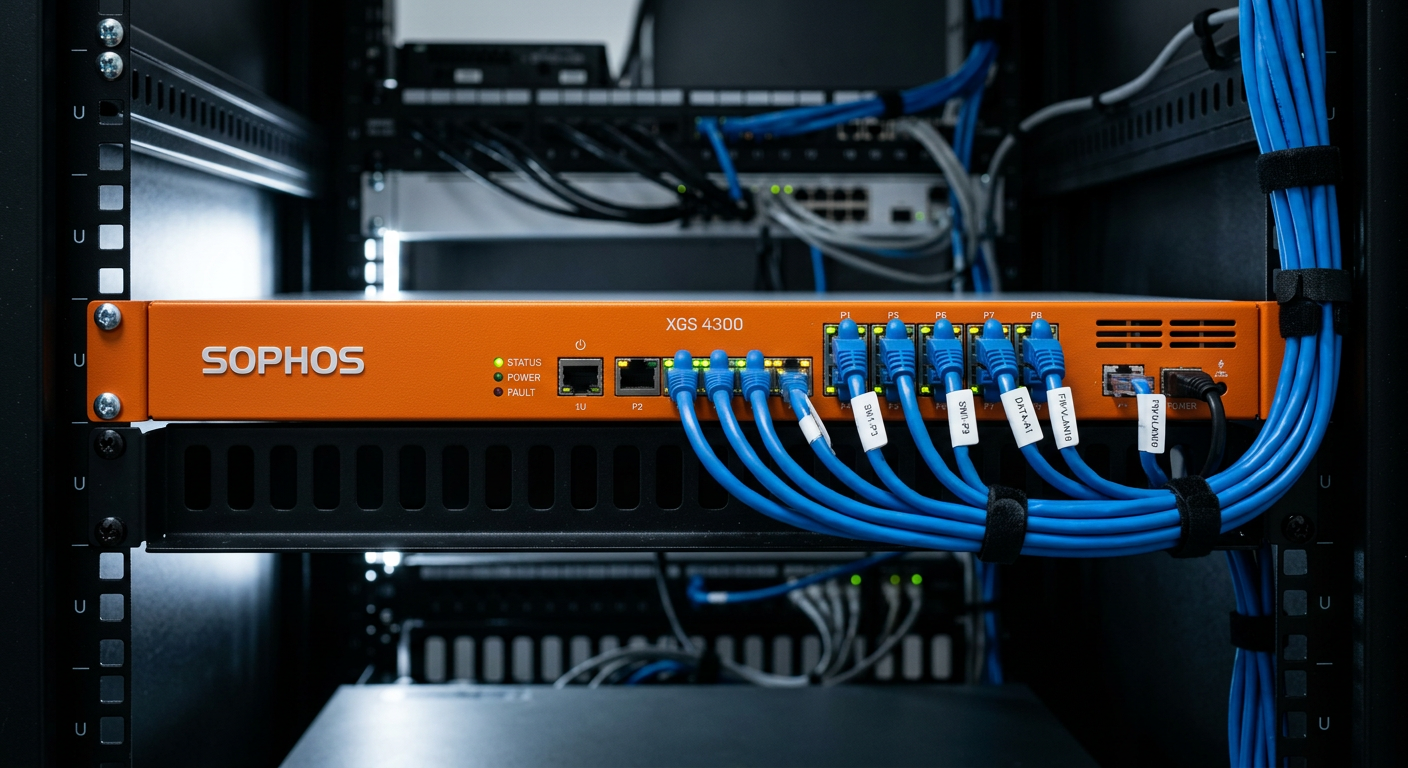
Managed Internet
$20 /user/mo
ex GST, optional, pooled across your locations, minimum $100 per connected location. Fibre or NBN per site is decided at the audit.
- Business-grade symmetrical fibre
- Router and firewall included and managed
- Service level agreement
Why per user: bandwidth and phone lines scale with headcount, so a growing team never hits a bottleneck.
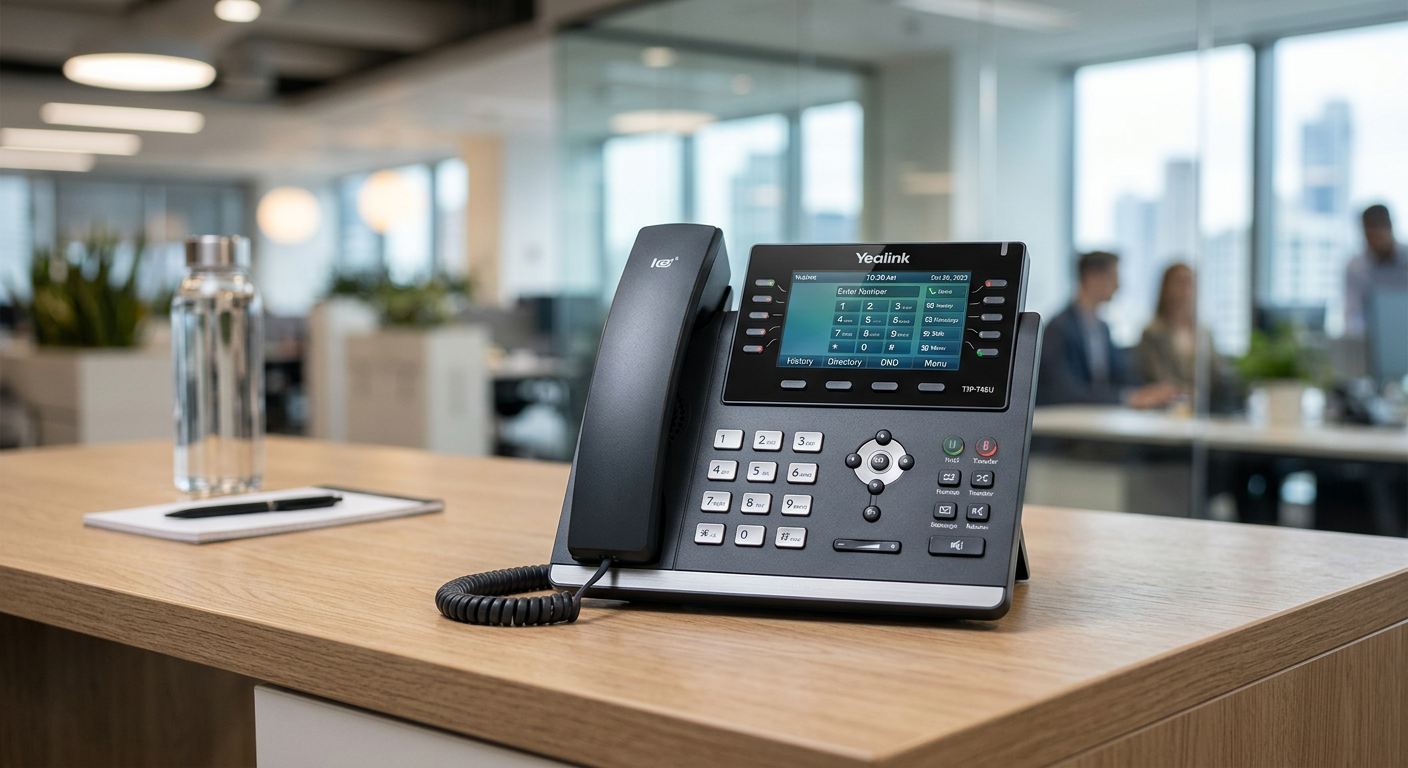
Managed Phones
$30 /user/mo
ex GST, optional
- Unlimited channels and calls included
- Number porting included
- System capacity grows automatically as you hire
You can keep your existing phone numbers and provider.
Digital Marketing
CX365 Growth CRM and marketing tools
Every CX365 plan includes the Growth CRM. Optional add-ons let you bolt on AI, SEO and web hosting when you are ready.
Included with every plan
CX365 Growth CRM
CRM and sales marketing platform. Manage contacts, track deals, automate follow-ups, run campaigns.
AI Automations
AI Voice, AI Chat, integrations
$197/mo
Organic SEO
On-page and local SEO
$97/mo
Web Hosting
Hosted inside the CRM
$97/mo
Additional licensing
Add-ons at RRP, ex GST
Email only mailbox
$50/mo
Microsoft 365 Copilot
$44.90/mo
Claude for Work
$30.91/mo
Power BI Pro
$21/mo
Visio Plan 2
$22.40/mo
Dynamics 365 Business Central
$119.70/mo
Teams Rooms Pro
$54.90/mo per room
Project Plan 3 and extended backup retention on quote.
Terms and onboarding
No lock-in by default
Month to month, 30 days notice either way. Fixed terms are optional and only ever cheaper:
| Term | Pricing | Notice |
|---|---|---|
| Month to month | Price book | 30 days |
| 12 months | Price frozen, no increases | 30 days |
| 24 months | Onboarding half price, 5% off IT Support | 30 days |
| 36 months | Onboarding waived, 10% off IT Support | 30 days |
Onboarding
$200 per person, one-off. It is roughly one to two hours of our labour per person: offboarding your current IT, installing our tools, the audit and baseline security checks.
Pay once, spread it monthly over your term, or arrange part payments. There is no separate transition fee.
When you say go
Three things you get before you spend a dollar
Your Cyber Report
Dark web exposure, domain and email security, cyber posture, on your own business, free, yours whether you sign or not.
90-Day Switching Guarantee
If at day 90 you are not happier than you were, we hand everything back fully documented within 5 business days, no exit fee, and refund $1,000 of your onboarding fee.
Lifetime Network Hardware Guarantee
Routers, switches, firewalls and access points bought through CX are paid for once, kept updated and replaced if faulty or aged out, free, for as long as you are a client.
None of these is a discount.
Our philosophy
We are confident in this model
Our prices match the resources and security needed based on the number of users and locations you have. Four parts, one price per person. No two businesses are alike, so we do not just hand you a menu. We craft it to your needs and requirements.
What you see on this page is a guide on what to expect, because you should never have hidden surprises when working with CX IT.
You need to resource your IT properly. Cutting corners on price means fewer resources, which leads to issues. If you want to take your business to the next level, speak to us today.
Build my plan
A unique offering
The Proposal Review
Most businesses collect two or three IT proposals, stare at them, and have no idea how to compare them. The language is different, the inclusions are buried, and the pricing structures do not line up. You end up picking the one that feels safest, not the one that is actually right.
We do something no other provider does. We sit down with you and review all the proposals you have collected, ours included. We bring 26+ years of experience helping businesses scale and grow with their technology. We cut through the geek-speak, the noise, work out what works, what does not, and help you build the best proposal for your business.
At the end of it, you get a clear path forward, and if you invest in a partner like CX IT, we will make sure it is the right one.
If something does not make sense in any proposal, we explain it in plain language. If a competitor is offering something we think genuinely suits you better, we will say so. This is not a sales tactic. It is how we believe the process should work.
The number one complaint people have about IT providers is "I did not know that was not included". The proposal review exists to make that impossible, for every proposal on the table, not just ours.
Next step
Build your plan
Answer a few questions and see your numbers. No pitch, no waiting.
Four parts, one price per person, published the same for every client.
Build my planFAQ
Frequently asked questions
Detailed answers to the questions we hear most. Jump to a category or scroll through.
Pricing basics
How much does managed IT support cost per user in Australia?
What does CX365 cost?
How do the support tiers and the cyber tiers fit together?
Why do you publish your pricing when most IT providers don't?
Is there a minimum number of users?
What if we have fewer than 10 users?
Are your prices ex GST?
Is it cheaper if we pay annually?
Do you discount for larger teams?
Can we negotiate on price?
What is the CX365 Blueprint?
Are there setup or onboarding fees?
What you actually get
What is included in the monthly fee?
What is not included?
Why is there no hourly rate for support?
What is the difference between Ignite, Secure and Fortress?
Can we start on Ignite and move up later?
Do we have to move up a cyber tier to get more support hours?
Onsite support
Do you charge extra for onsite visits?
When do we get scheduled onsite visits?
30 users: monthly scheduled visit.
60 users: fortnightly.
90 users: weekly.
120 users: twice weekly, with a named engineer assigned to your account.
150+ users: three days a week, same named engineer.
What if we are under 30 users and need someone onsite?
Is there a minimum charge for an onsite visit?
When does onsite stop being charged separately?
Do you cover regional and interstate offices?
What does a named engineer mean at 120 users and above?
Do you offer after-hours support?
Cyber security
Can we decline the cyber security component?
What is the Essential Eight?
What maturity level do we need?
Are you accredited?
Do you certify us at a maturity level?
Will this satisfy our cyber insurance requirements?
What is SMB1001?
Contracts and commitment
Do we have to sign a long contract?
Does a three-year term lock our headcount?
Does the price lock cover Microsoft licensing?
If we sign for three years and grow, do we still get the extra onsite support?
What happens if our staff numbers change?
Do you lock us into Microsoft annual commitments?
What is your notice period?
What happens to our data if we leave?
Internet and phones
Why is internet priced per user?
That sounds expensive. Isn't NBN cheaper?
Can we keep our existing internet provider?
Why are phones priced per user if not everyone makes calls?
Are calls included?
Can we keep our existing phone numbers?
Sites, servers and hardware
What does the location fee cover?
Do we pay the location fee for every office?
Do we have to buy new network hardware?
What happens when the hardware fails or gets old?
Exactly which hardware is replaced?
What is not covered by the hardware replacement?
What if we have a server?
Do we still need a server?
Microsoft licensing
Do you mark up Microsoft licensing?
Which Microsoft licences do we need?
Can we bring our own Microsoft licences?
What about Copilot, Project and Visio?
Switching to CX
We already have an IT provider. How hard is it to switch?
How long does onboarding take?
Will our staff notice the change?
Common objections
You are more expensive than our current provider. Why?
Can we buy just the cyber security and keep our current IT provider?
Can we take some services and not others?
Do you work with our practice software?
What if we grow quickly?
What if we shrink?
Other services
Do you do websites?
Do you do SEO, Google Ads or marketing?
Still not sure?
What happens on a clarity call?
What is the Proposal Review?
What if we are evaluating other providers at the same time?
What does all of this actually cost?
What if we choose someone else?
How do we get started?
Under 10 users? CX365 Core is built for smaller teams. See CX365 Core.