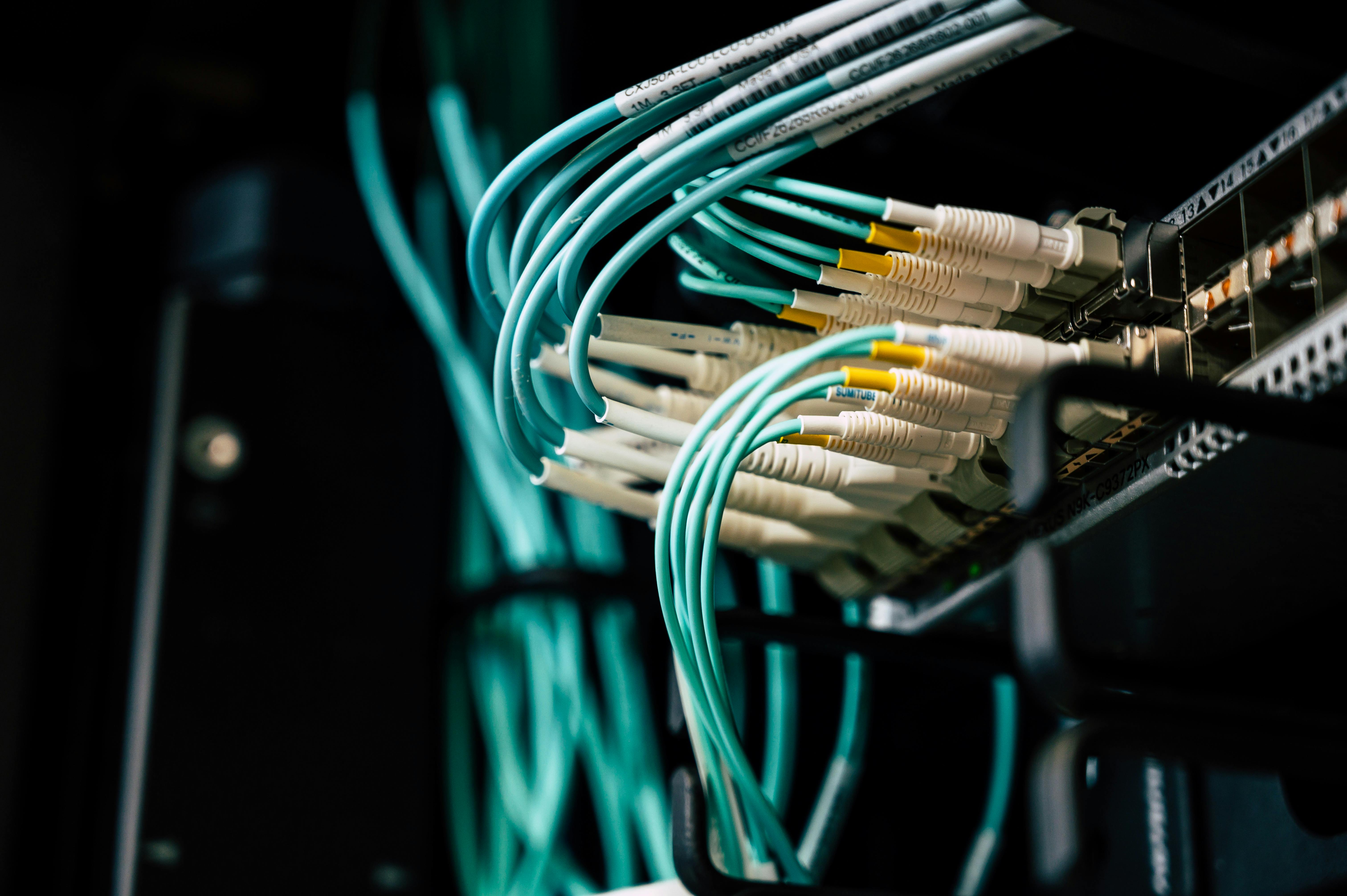
Old network infrastructure is one of the most overlooked causes of slow performance, security risk, and reliability problems in Melbourne businesses. Here is how to know when it is time and what to do about it.
Most Melbourne businesses think about their network infrastructure approximately once: when they move into a new office and someone sets it up. After that, the wireless router in the corner and the switch in the server room are forgotten - until something goes wrong.
The problem is that network infrastructure has a definite useful life. Equipment that was adequate 6-8 years ago is slower, less secure, and less reliable than current hardware - and may be a material drag on your team’s productivity and your business’s security posture.
Here is how to know when your network needs an upgrade, and what an upgrade actually involves.
The Signs Your Network Infrastructure Needs an Upgrade
Performance Problems That Are “Just How It Is”
The most common symptom of aging network infrastructure is performance that everyone has accepted as normal because it has always been that way: wireless that is slow in certain parts of the office, video calls that buffer and drop, file transfers that take longer than they should, certain applications that run slowly.
These performance issues are often blamed on the internet connection, the server, or “the cloud being slow.” In many cases, the real constraint is the internal network - switches that are throughput-limited, wireless access points that are overwhelmed by the number of devices connecting to them, or hardware that cannot handle the load of a team that has grown since the equipment was installed.
Modern network hardware provides significantly better performance than equipment from 5-7 years ago - particularly for wireless (Wi-Fi 6 versus older Wi-Fi 4 or 5), and for switches handling the traffic patterns of cloud-dependent businesses.
Consumer-Grade Equipment in a Business Context
A disturbing number of Melbourne businesses are running their operations on consumer-grade networking equipment - the kind of router you would buy at JB Hi-Fi for a home network. The price is typically $100-200. The capability is appropriate for a home with 5-10 devices.
For a 20-person business with 40-60 devices (laptops, phones, printers, IoT devices), a consumer router is overwhelmed. The symptoms: network instability, slow performance under load, limited security capability, no management tools, and no support when problems occur.
Consumer-grade equipment also lacks the network segmentation capability that business security requires. A single flat network means that a compromised device (or a visitor on your guest WiFi) can potentially reach your servers and sensitive data. Managed business equipment allows proper network segmentation - separate VLANs for staff, servers, guest, and IoT devices.
End of Manufacturer Support
Like operating systems, network equipment has a support lifecycle. Cisco, Meraki, Ubiquiti, Juniper, and other business network vendors release security patches and firmware updates for their equipment for a defined period - typically 5-10 years from release. After end of support, security vulnerabilities discovered in the firmware are not patched.
For firewalls and wireless access points specifically, running end-of-support hardware is a security risk comparable to running an unsupported operating system. Your firewall’s job is to protect your network - a firewall with unpatched vulnerabilities is a compromised defensive layer.
Unable to Support Current Working Patterns
A network designed for 15 staff working 9-5 in the office may not be adequate for 40 staff on hybrid arrangements, with multiple teams on video calls simultaneously, accessing cloud storage, and using cloud phone systems.
Networks also need to support devices that did not exist when they were designed: modern video conferencing systems, AI-enabled security cameras, smart building management systems, and a proliferation of mobile devices. The bandwidth, capacity, and management requirements have changed significantly.
The Components of a Modern Business Network
A properly designed business network for a Melbourne SMB has five main components:
1. Managed Firewall / Next-Generation Firewall
The firewall is the security gateway between your internal network and the internet. A modern next-generation firewall (NGFW) does significantly more than a traditional firewall:
- Deep packet inspection - analysing the content of traffic, not just the source and destination
- Intrusion detection and prevention
- Application awareness - seeing what applications are being used, not just what ports are open
- Web filtering - blocking access to malicious or inappropriate sites
- VPN for secure remote access
- Automatic threat signature updates from the vendor
Recommended platforms: Sophos XGS (industry-leading threat protection, excellent management portal), Fortinet (enterprise-grade, cost-effective at SMB scale), Meraki MX (cloud-managed, excellent for businesses with multiple sites).
2. Managed Switches
Switches connect wired devices in your network - servers, desktop computers, printers, IP phones, wireless access points. A managed switch allows:
- VLAN configuration (network segmentation)
- Quality of Service (QoS) prioritisation - ensuring voice traffic gets priority over lower-importance traffic
- Remote monitoring and management
- Port-level security controls
- Traffic analysis and reporting
Unmanaged switches (the kind you buy at a computer store) have none of these capabilities. They pass traffic but cannot be configured, monitored, or segmented.
3. Enterprise Wireless Access Points
Modern Wi-Fi 6 (802.11ax) and Wi-Fi 6E access points deliver significantly higher throughput, better performance in high-density environments (many devices in one space), and better power efficiency than older Wi-Fi 5 equipment.
For a typical Melbourne office floor, the right coverage comes from correctly placed enterprise access points - not a single router in one location. The number and placement of APs depends on the office size, layout, and density of use.
Enterprise APs (Meraki, Ubiquiti, Ruckus, Aruba) are centrally managed via a cloud portal - giving visibility into which devices are connected, where performance issues exist, and the ability to configure and troubleshoot remotely.
4. Network Segmentation via VLANs
Modern managed networks use VLANs (Virtual Local Area Networks) to separate different types of traffic and devices:
- Staff network: Full access to business resources
- Server network: Servers accessible from staff network but isolated from guest
- Guest / public WiFi: Internet access only - no visibility of internal resources
- IoT / device network: Printers, security cameras, building management systems - isolated from staff data
This segmentation means a compromised device on one network segment cannot easily reach devices on another. A guest on your guest WiFi cannot access your SharePoint or file server. A compromised printer cannot be used as a pivot point to reach your accounting system.
5. Centralised Management and Monitoring
Modern business network infrastructure is managed through a centralised portal - visible from anywhere, by your IT provider. This means:
- Network alerts when devices go offline or performance degrades
- Remote configuration without requiring an on-site visit for every change
- Firmware updates deployed remotely across all devices
- Traffic analysis and reporting
- Security alerts for suspicious activity
The operational difference between a managed network and an unmanaged one is significant. Problems are identified proactively rather than when staff report them. Changes are made remotely rather than requiring a site visit. The IT provider has full visibility - and accountability - for network performance.
What a Network Upgrade Involves
The typical network upgrade project for a Melbourne SMB office (20-60 staff, single site) involves:
Assessment phase (1-2 hours): Site survey and inventory of existing equipment, assessment of current performance and capability gaps, design of the new network architecture.
Equipment procurement and configuration (1-2 weeks): Hardware ordered, delivered, and pre-configured off-site. Firewalls, switches, and wireless access points are configured with your specific settings before delivery.
Installation (1 day): On-site installation of the new equipment. For most offices, this can be completed in a single day during business hours with minimal disruption, or in a planned after-hours window for businesses that cannot tolerate any disruption.
Testing and handover (2-4 hours): All devices verified as connected and performing correctly, management portal confirmed, documentation provided.
Total downtime: For a planned upgrade during business hours: 1-2 hours of phased connectivity interruptions as equipment is swapped. For an after-hours upgrade: zero business-hours interruption.
This is not the multi-week project most business owners assume. It is a well-planned 1-2 day activity for most Melbourne SMB environments.
The Investment
A typical network upgrade for a 20-30 person Melbourne office:
- Managed firewall: $1,500-3,500 hardware + $500-800/year management and support
- Managed switches: $800-2,500 depending on port count and features
- Enterprise wireless APs: $400-700 per AP, 2-6 for a typical office
- Installation and configuration: $1,500-3,500 depending on complexity
Total: typically $8,000-18,000 for a complete network refresh for a 20-30 person office.
The ROI case: a team of 25 people, each losing 15 minutes per day to network performance issues, costs $15,000-20,000 in lost productivity per year. A network that eliminates that friction pays for itself within 12 months - before factoring in the security and reliability improvements.
Your IT provider should be able to provide a specific scope and quote based on a site assessment. If they cannot articulate the business case clearly, ask them to.




 Microsoft Partner