Slow networks cost more than you think. Learn when it is time to upgrade and what modern network infrastructure looks like for a growing business.
Network infrastructure is one of the most under-invested areas in small and medium business IT. It is invisible when it works and blamed for everything when it does not. The result is that most Melbourne SMBs are running on networking equipment that is too old, too consumer-grade, or too poorly configured to support how modern businesses actually work.
The cost of this under-investment is not just occasional slowness - it is a daily productivity tax on every person in the office.
Signs Your Network Infrastructure Needs Upgrading
Wi-Fi Dead Zones and Inconsistent Coverage
If staff move to specific seats or rooms to get a reliable connection, or if the area near the printer has poor Wi-Fi, your access point placement or capacity is inadequate. Modern offices - particularly those with open-plan layouts - require multiple access points designed for density, not a single consumer router in the server room.
Slow Performance During Peak Hours
If network performance degrades noticeably between 9am and 11am when everyone arrives, the problem is likely capacity. Consumer-grade switches and access points cannot handle high concurrent device counts reliably.
Equipment Age
Networking equipment older than 5-7 years is likely:
- Running end-of-support firmware with unpatched security vulnerabilities
- Lacking Wi-Fi 6 (802.11ax) support, which significantly improves performance in dense environments
- Incapable of supporting the management and monitoring features needed for a modern IT environment
No Remote Management Capability
Consumer routers and unmanaged switches cannot be monitored or configured remotely. When something breaks at 8:30am before the IT provider can attend, nobody can diagnose remotely. Managed infrastructure - accessible via a management portal - enables remote troubleshooting and configuration.
Flat Network (No VLAN Segmentation)
A flat network puts all devices - staff laptops, servers, guest Wi-Fi, printers, HVAC controls, security cameras - on the same network segment. A compromised device can reach everything else. Modern network design uses VLANs to segment device types, limiting the blast radius of a compromise.
What Modern Business Network Infrastructure Looks Like
Business-Grade Firewall
The firewall is the gateway between your internal network and the internet. It controls what traffic is allowed in and out, enforces security policies, provides VPN access, and - in modern unified threat management (UTM) firewalls - includes intrusion prevention, content filtering, and application visibility.
What to look for: Fortinet FortiGate, Cisco Meraki MX, Palo Alto Networks. Not a consumer router from a retail store.
Key capabilities modern firewalls provide:
- SD-WAN (intelligent traffic routing across multiple internet connections)
- Application-aware traffic management (prioritise Teams calls over backup traffic)
- Content filtering (block malicious sites and inappropriate content categories)
- IPsec/SSL VPN for remote access
- Automatic threat intelligence updates
Managed Switches
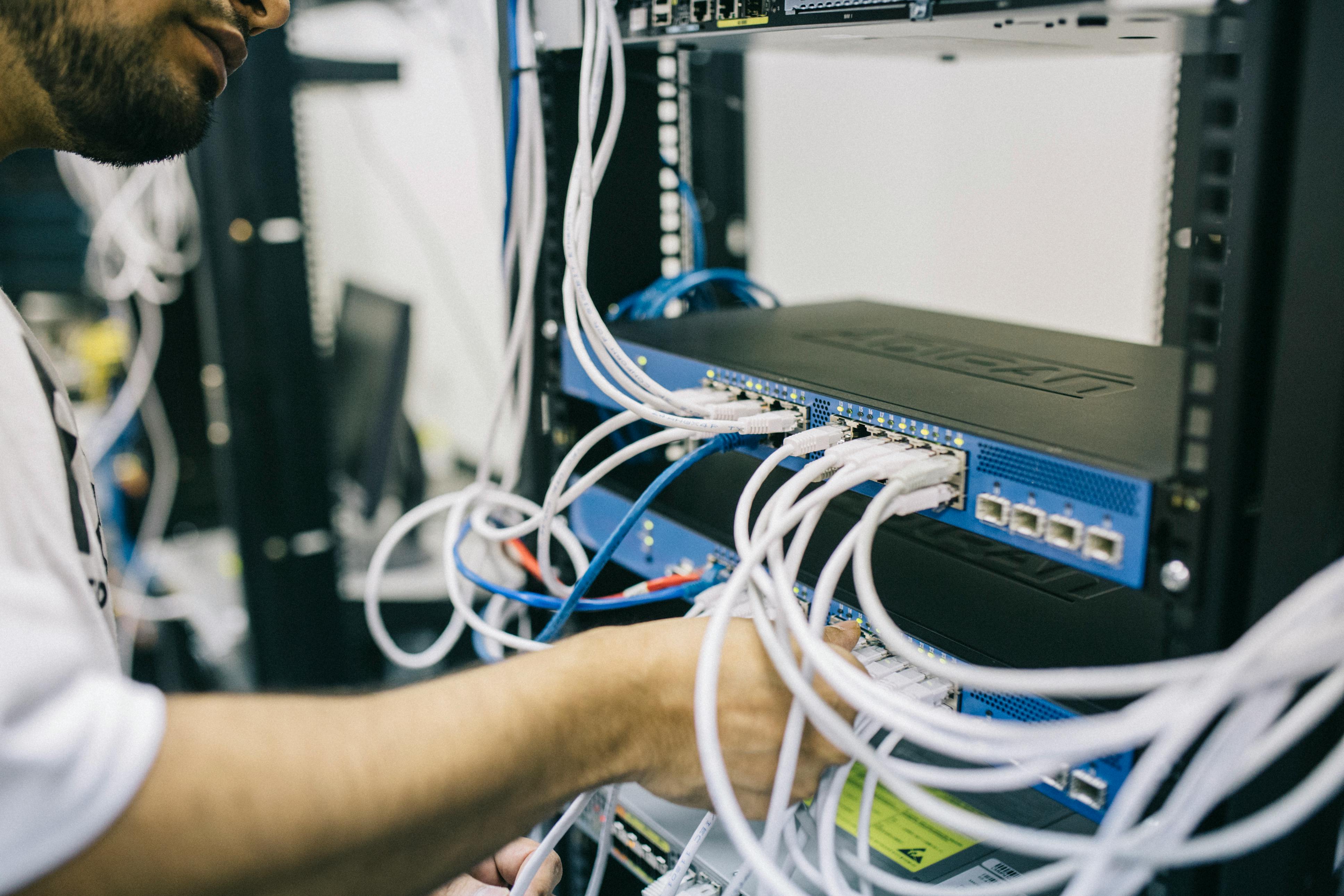
Managed switches - unlike unmanaged switches - can be configured, monitored, and controlled remotely. They support VLAN segmentation, port monitoring, and link aggregation.
For a 20-50 person office, a core managed switch (1U rack mount, 24-48 ports) and potentially distribution switches for each floor or zone provides the right architecture.
What to look for: Cisco Catalyst, Cisco Meraki MS, Ubiquiti UniFi, HP/Aruba.
Business-Grade Wi-Fi Access Points
Consumer routers with built-in Wi-Fi are designed for 10-15 devices. A business office with 20+ staff, multiple devices per person, plus phones, printers, and IoT devices needs dedicated access points designed for density.
Modern business access points (Wi-Fi 6 or Wi-Fi 6E) provide:
- Higher concurrent device capacity
- Better performance in dense RF environments (multiple competing networks)
- Seamless roaming as staff move around the office
- Centralised management (configure all APs from a single console)
- SSID segmentation (separate SSIDs for staff, guest, and IoT on different VLANs)
What to look for: Cisco Meraki MR, Ubiquiti UniFi AP, Aruba Instant On, Ruckus.
Uninterruptible Power Supply (UPS) for Network Core
Core network equipment (firewall, core switch, patch panel) should be on UPS. A power outage that takes down the network while staff are on laptop battery is unnecessary - the network equipment consumes minimal power and can run on UPS for hours.
The ROI Calculation
For a 30-person Melbourne office:
Cost of network upgrade (one-time):
- Business firewall: $1,500-3,000
- Core managed switch (24-port): $800-1,500
- 3-4 business access points: $300-500 each
- Installation and configuration: $1,500-3,000
- Total: $6,000-12,000
Annual productivity benefit:
- 30 staff × 15 minutes/day saved from Wi-Fi issues and slowness × 250 work days × $40/hour average cost = $75,000/year
Even at a conservative 5 minutes per day, the productivity return substantially exceeds the infrastructure investment within the first year.
Planning a Network Upgrade
A network upgrade should be planned, not reactive. The right sequence:
- Current state assessment: Document existing equipment, identify age and capability gaps
- Requirements definition: How many users, what applications, what remote access requirements, what security needs?
- Design: Network topology, equipment specification, VLAN design, Wi-Fi coverage planning
- Procurement and staging: Configure equipment before installation day
- Cutover: Planned for a low-activity period, tested before declaring complete
- Documentation: Network diagram, IP scheme, configuration documentation
CX IT Services designs and implements network upgrades for Melbourne businesses. Get your instant IT price to discuss your current network state.



